
category
home / developersection / category
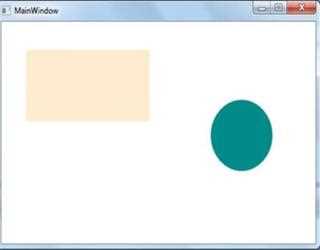
Canvas Control in WPF
In WPF we can XAML Canvas element to create a Canvas control. This is a container control in which we can add child elements by using coordinates which is relative to canvas area.

GridSpliter control in WPF
In this demonstration I am going to tell you that how to use GridSpliter control in WPF. The XAML GridSpliter elements allow you to create a GridSpliter control. We can use GridSpliter control when we want to resize rows and columns dynamically.
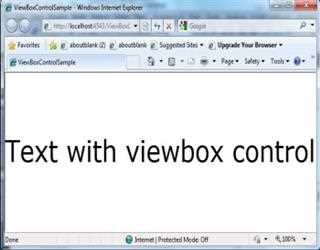
ViewBox control in WPF
View box is a very useful to control in WPF. It does not resize the content but it transforms it. This means that all text sizes and line width are also scaled.

Progress Bar control in WPF
ProgressBar elements in XAML is used to create a progress bar control in WPF. We can use concept of progress bar control when we want to show some background processing or want to show status of large calculating job,
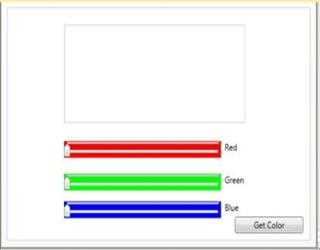
Slider Control in WPF
In this tutorial I am going to explain you that how to use a slider control in WPF. The XAML Slider element is used to create a slider control in WPF.

TreeView control in WPF
When we want to show some information in hierarchical format that is in parent child relationship then we use concept of tree view control. Example of tree view control is msdn tutorial, windows explorer etc.

WebBrowser control in WPF
Sometime may we require that we want to open some html document in my own application. To perform this task WPF introduce a new control named WebBrowser control through which we can open all the html documents as well as we can open any sites.
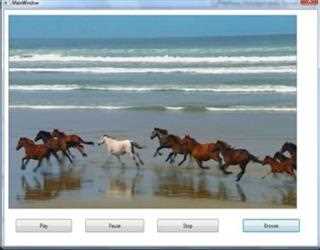
Media Element in WPF
We can create a simple Media player by using XAMLMediaElement element. WPF provides a wrapper around current Media Player 10 ActiveX (OCX) control. A
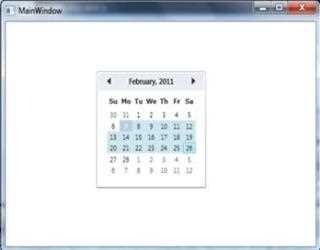
Calendar Control in WPF
A Calendar control in WPF is used to create a visual calendar in WPF through which users can pick date and raise an event on the selection of date. The XAML Calendar elements is used to create a calendar control in WPF.
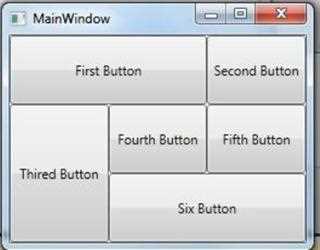
Grid Control in WPF
Grid control arranges content in rows and columns as specified by the developer. In XAML Grid elements used to create a Grid control in WPF. In Grid control we can span multiple rows as well as multiple columns.

StackPanel Control in WPF
In WPF StackPanel control is also used to group controls either horizontally or vertically. We can use StackPanel control to arrange child elements into a single line that is either horizontally or vertically.

GroupBox control in WPF
The XAML(Extensible Application Markup Language) element represents GroupBox control in WPF. The GroupBox control allows you to visually group cont