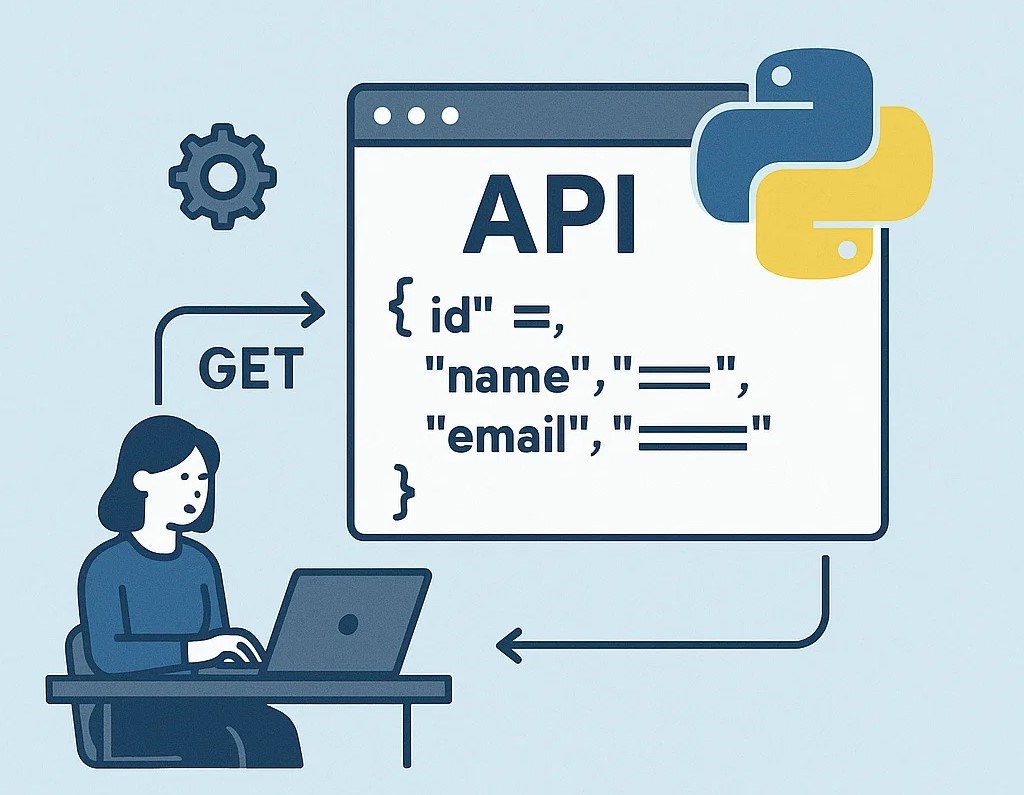
In today’s software ecosystem, REST APIs (Representational State Transfer Application Programming Interfaces) are the backbone of modern web applications. They enable seamless communication between different systems, mobile apps, and web clients. Python, known for its simplicity and powerful frameworks, provides an excellent platform for building scalable REST APIs efficiently.
This article walks you through the concepts, design principles, and implementation of a REST API using Python.

1. Understanding REST APIs
A REST API follows the REST architectural principles that define how clients and servers communicate over HTTP. Each resource (e.g., users, products, or posts) is represented by a unique URL, and operations on these resources are performed using standard HTTP methods:
| HTTP Method | Operation | Description |
|---|---|---|
| GET | Read | Retrieve data or resources |
| POST | Create | Add a new resource |
| PUT | Update | Modify an existing resource |
| DELETE | Delete | Remove a resource |
RESTful APIs are stateless, meaning each request from a client must contain all the information needed to process it, without relying on session state.
2. Choosing a Python Framework
Python offers several frameworks for building REST APIs. The most popular include:
- Flask – Lightweight and flexible, ideal for small to medium APIs.
- FastAPI – Modern, fast (built on ASGI), and supports async programming.
- Django REST Framework (DRF) – A powerful toolkit built on Django for larger, full-featured APIs.
For this article, we’ll use Flask due to its simplicity and readability.
3. Setting Up the Project
Step 1: Install Flask
pip install FlaskStep 2: Create a Basic Flask App
Create a file named app.py:
from flask import Flask, jsonify, request

app = Flask(__name__)

# Sample data
users = [
    {"id": 1, "name": "Alice"},
    {"id": 2, "name": "Bob"}
]

# Get all users
@app.route('/users', methods=['GET'])
def get_users():
    return jsonify(users)

# Get user by ID
@app.route('/users/<int:user_id>', methods=['GET'])
def get_user(user_id):
    user = next((u for u in users if u["id"] == user_id), None)
    if user:
        return jsonify(user)
    return jsonify({"message": "User not found"}), 404

# Create new user
@app.route('/users', methods=['POST'])
def create_user():
    data = request.get_json()
    new_user = {"id": len(users) + 1, "name": data["name"]}
    users.append(new_user)
    return jsonify(new_user), 201

# Update existing user
@app.route('/users/<int:user_id>', methods=['PUT'])
def update_user(user_id):
    data = request.get_json()
    user = next((u for u in users if u["id"] == user_id), None)
    if user:
        user["name"] = data["name"]
        return jsonify(user)
    return jsonify({"message": "User not found"}), 404

# Delete user
@app.route('/users/<int:user_id>', methods=['DELETE'])
def delete_user(user_id):
    global users
    users = [u for u in users if u["id"] != user_id]
    return jsonify({"message": "User deleted"}), 200

if __name__ == '__main__':
    app.run(debug=True)
Run the application:
python app.pyYou can now test endpoints using tools like Postman or
cURL at:http://127.0.0.1:5000/users
4. Best Practices for REST API Design
To make your API robust, scalable, and easy to use, follow these guidelines:
- Use Nouns for Endpoints:
- Keep URLs resource-oriented (e.g.,
/usersinstead of/getUsers).
- Keep URLs resource-oriented (e.g.,
- Use HTTP Status Codes Properly:
200 OK– Successful GET request201 Created– Resource successfully created404 Not Found– Resource not found400 Bad Request– Invalid input500 Internal Server Error– Server error
- Validation and Error Handling:
- Always validate incoming data and handle exceptions gracefully.
- Versioning the API:
- Use versioning in URLs, e.g.,
/api/v1/users, to maintain backward compatibility.
- Use versioning in URLs, e.g.,
- Security:
- Use authentication (JWT, OAuth2).
- Enforce HTTPS for data protection.
- Rate-limit endpoints to prevent abuse.
- Documentation:
- Provide interactive documentation using tools like Swagger or Redoc.
5. Enhancing with Flask-RESTful
For cleaner code and scalability, you can use Flask-RESTful, an extension that helps structure REST APIs elegantly.
Install it:
pip install Flask-RESTfulExample:
from flask import Flask, request
from flask_restful import Resource, Api

app = Flask(__name__)
api = Api(app)

users = [{"id": 1, "name": "Alice"}]

class UserList(Resource):
    def get(self):
        return users

    def post(self):
        data = request.get_json()
        new_user = {"id": len(users) + 1, "name": data["name"]}
        users.append(new_user)
        return new_user, 201

class User(Resource):
    def get(self, user_id):
        user = next((u for u in users if u["id"] == user_id), None)
        if user:
            return user
        return {"message": "User not found"}, 404

api.add_resource(UserList, '/users')
api.add_resource(User, '/users/<int:user_id>')

if __name__ == '__main__':
    app.run(debug=True)
6. Conclusion
Designing a REST API using Python is straightforward and efficient, especially with frameworks like Flask, FastAPI, and Django REST Framework. A well-designed REST API should be clean, secure, consistent, and well-documented. Once you master the fundamentals, you can extend your API with authentication, database integration (using SQLAlchemy), and asynchronous processing for scalability.


Leave a Comment