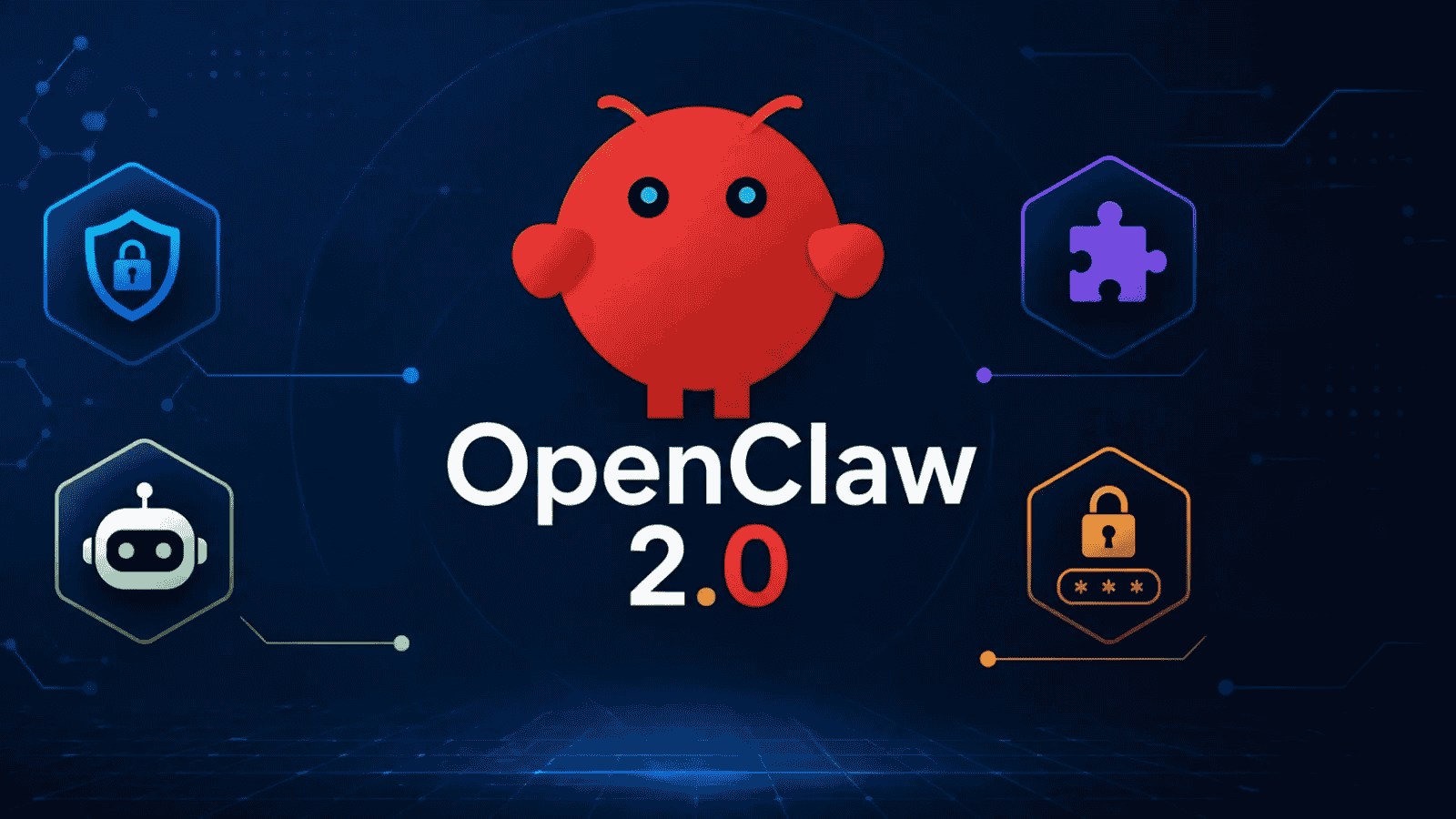
The open-source AI agent gateway OpenClaw has officially released OpenClaw 2.0 (version v2026.8.1). Developed by a crowdsourced team of 933 contributors merging over 16,000 pull requests, the OpenClaw Foundation calls it the largest update in the history of the project.
What started as a simple effort to streamline installation and rebuild the browser app quickly escalated into a massive, accidental refactor of its entire underlying architecture.
Key Features and Upgrades in OpenClaw 2.0
- Streamlined Setup: Features a radically simplified installation workflow that automatically detects and reuses existing AI login credentials on your machine.
- Shared Cloud Sessions: Allows users to invite team members into active tasks, preserving full context across cross-device or cloud migrations.
- Reengineered Memory Architecture: Introduces "Active Memory" and "Grounded Dreaming," which work alongside "Automatic Self-learning" to let agents stack and reuse past experiences.
- Private Credential Requests: Enhances security by allowing users to securely pass API keys and credentials to the agent on-demand without exposing sensitive data in clear text inside the chat history.
- SQLite Session Storage: Migrates user sessions entirely into SQLite database storage for improved stability and faster querying.
- Broader Model & UI Control: Expands plug-and-play packages for providers like Mistral, Meta, and Cohere, adds custom assistant identities, and includes real-time live session progress cards.
How OpenClaw Works
Originally started as a weekend hobby project by developer Peter Steinberger (who later joined OpenAI), OpenClaw serves as a self-hosted gateway. It bridges AI models with popular messaging apps like Slack, Telegram, WhatsApp, and Discord. This structure allows users to deploy a single AI assistant that can manage emails, run local scripts, browse the web, or use smart home devices right from their favorite chat interface.
How to Install or Upgrade
- Prerequisites: Ensure you are running Node.js version 22.22.3 or newer.
- Backup: Back up existing agent data, as the system shifts its storage engine to SQLite.
- Run Installation: Deploy the agent using a single npm command via the terminal.
- Desktop Apps: Alternatively, non-technical users can download standalone desktop installers for macOS and Windows directly from the Official OpenClaw Website.
Note: Be aware that a mismatched beta build (2026.9.1-beta.1) was mistakenly published briefly. Ensure your active repository updates directly to stable version 2026.8.1 to avoid version conflicts.
If you are looking to deploy OpenClaw 2.0, let me know:
- Your operating system (Mac, Windows, Linux, or VPS headless host)
- Your preferred model provider (OpenAI, Mistral, Meta, etc.)
- The chat apps you intend to connect (Slack, Telegram, Discord)