The Android API
Android is a fairly complex system, but we do not need to understand it in depth to be able to make amazing apps. The portion of the Android system wh
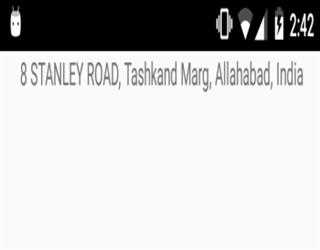
Get Current Location in Android
In this blog I explaining to get current location as well as find update location. In android have two types to get location 1.GPS Location Provider2
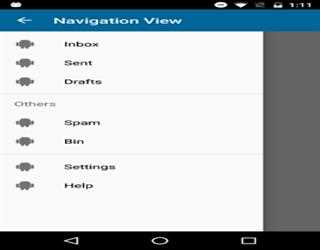
Navigation drawer in android material design
Navigation drawer is a hidden panel that display after swipe finger left to right. It also show on touch action bar icon. Generally it shows from left to right but developers can show according to his need.
Android Multithreading Example
A Thread is a concurrent unit of execution. It has its own call stack for methods being invoked, their arguments and local variables. Every application has at least one thread when application start and call it main thread.
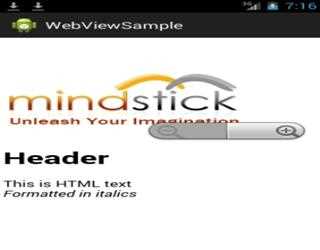
WebView in Android: Display Local Assets
WebView is also quite useful in displaying local content to take advantage of either HTML/CSS formatting or the pan/zoom behavior it provides to its contents.
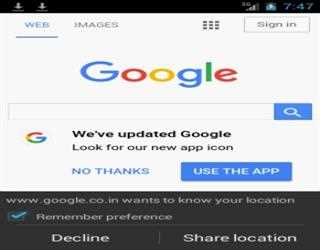
WebView in Android: Display a URL
WebView is a view widget that can be embedded in any layout to display web content, both local and remote, in your application.WebView is based on the
How to send JSON data to server with http post request
JSON stands for JavaScript Object Notation. It is an independent data exchange format and is the best alternative for XML. This chapter explains how to parse the JSON file and extract necessary information from it.
Android Studio Vs Eclipse
Why Android Studio, because its very developer friendly like fast development, both from coding perspective and UI designing. Android Studio is a more intuitive framework for coding in Android. Eclipse is good for those who have been coding in that I
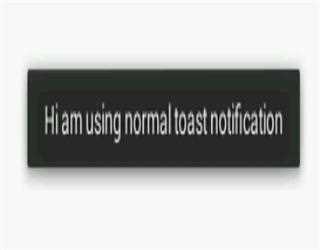
Create custom toast notification in android
In Android, Toast is a notification message that pop up, display a certain amount of time, and automatically fades in and out.Generally it is use for
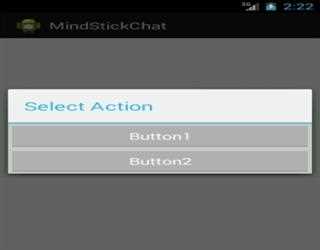
Add custom control on Dialog in android
A dialog is a small window that prompts the user to make a decision or enter additional information. A dialog does not fill the screen and is normally used for modal events that require users to take an action before they can proceed.
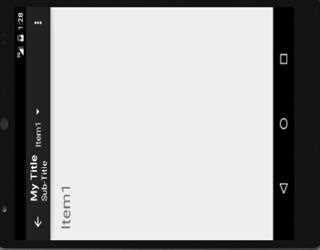
Locking Activity Orientation in Android
In my previous articles, we analyze the tweaks involved with action bar: Leveraging action bar in AndroidLeveraging Action bar in android: Tab Naviga
Saving data in Android: Saving in Key-Value Sets
In my previous post we discuss how to get the result from an activity(Getting a Result from an Activity). Now we learn how to save the data in Android