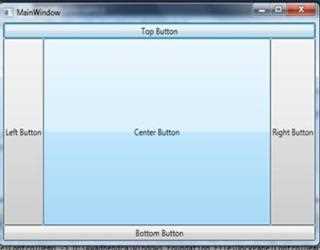
DockPanel control in WPF
In XAML DockPanel element is used to create DockPanel control in WPF. DockPanel is used to dock child elements in left, right, top and bottom positions of relative item.
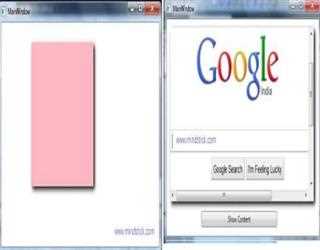
Frame control in WPF
In WPF we can use Frame control to display content of another window with the same window. WPF frame control does not support to displaying html content.
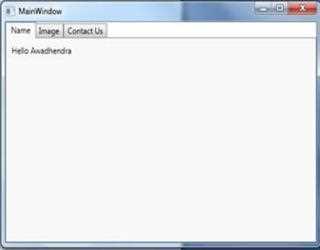
Tab control in WPF
We can use tab control to organize window more efficiently and easily. Two elements play an important role while creating a tab control in WPF. One is
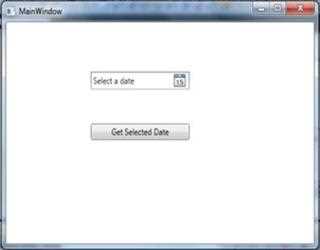
DatePicker control in WPF
We can use DatePicker control in WPF to select an appropriate date. In XAML DatePicker element is used to create a DatePicker control. In this demonstration we learn how to use DatePicker control in WPF.
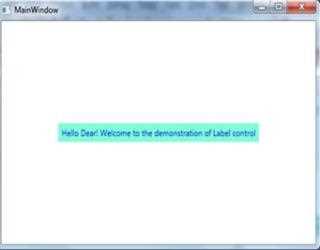
Label control in WPF
In WPF we can use Label control to show some messages to user such as result of calculation price of certain things, to show caption etc. We can use XAML Label element to create a Label control in WPF.
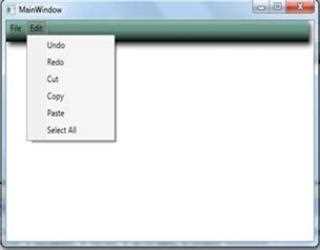
Menu Control in WPF
In XAML and tag elements is used to create a menu control in WPF. Menus have been an integral part of any windows based application. In WPF there ar
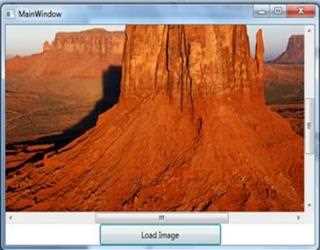
ScrollViewer control in WPF
In XAML ScrollViewer element is used to create a scroll viewer control in WPF. Scroll viewer control responds to both mouse and keyboard commands and defines numerous methods with which to scroll content by predetermined increments.
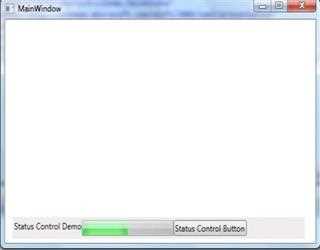
StatusBar control Demo
In WPF XAML StatusBar element is used to create status bar control in WPF. As like as main menu, status bars are specialized toolbars. They support the same feature and customization mechanism but have a few differences in default settings.
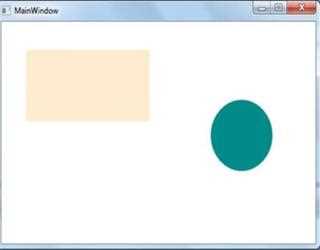
Canvas Control in WPF
In WPF we can XAML Canvas element to create a Canvas control. This is a container control in which we can add child elements by using coordinates which is relative to canvas area.
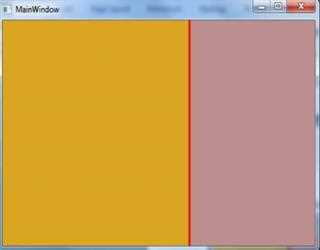
GridSpliter control in WPF
In this demonstration I am going to tell you that how to use GridSpliter control in WPF. The XAML GridSpliter elements allow you to create a GridSpliter control. We can use GridSpliter control when we want to resize rows and columns dynamically.
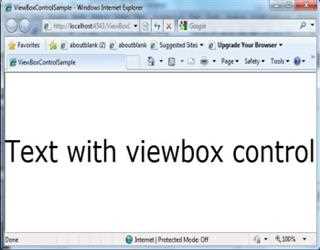
ViewBox control in WPF
View box is a very useful to control in WPF. It does not resize the content but it transforms it. This means that all text sizes and line width are also scaled.
Progress Bar control in WPF
ProgressBar elements in XAML is used to create a progress bar control in WPF. We can use concept of progress bar control when we want to show some background processing or want to show status of large calculating job,