Rating Bar control in Android
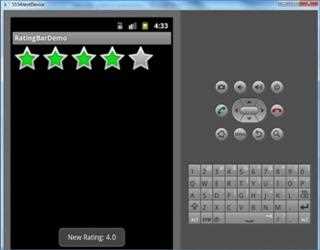
In this article I am going to explain how to create rating bar control in an android application by using RatingBar widget. When a user click on the rating bar, a new rating will be displayed by the toast message.
Spinner control in Android Application
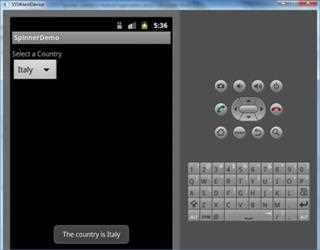
In this article I am going to explain how create a spinner control in an android by using Spinner widget. I also explain how to add list of items in a Spinner, when one is selected, a toast message will display the selected item.
Checkbox control in Android Application
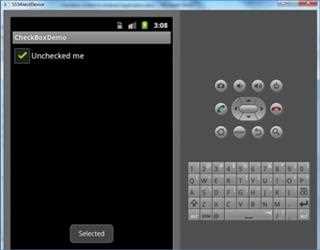
In this article I am going to explain how to create a checkbox control in android application by using CheckBox widget. When the CheckBox is pressed,
AutoComplete TextBox in Android
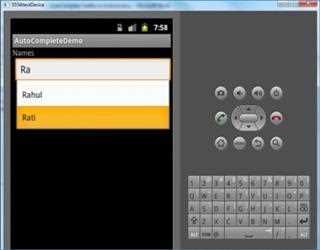
In this article I am going to explain how to create an AutoComplete textbox by using AutoCompleteTextView widget in an Android application. In this article I am going to create AutoCompleteTextView widget that provides suggestions for student names.
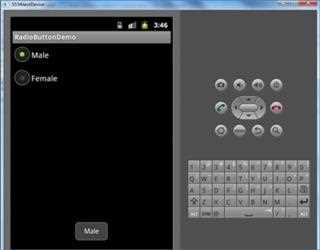
Radio Buttons control in Android
In this article, I am going to explain how to create two mutually-exclusive (in a group) radio buttons (enabling one disables the other), using the RadioGroup and RadioButton widgets. When either radio button is pressed,
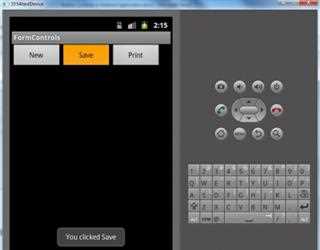
Button Controls in Android Application
In this article I am going to explain how to create and use a button control in an Android Application. I am going to create three button (New, Save, Print), when a user clicked on the button the toast message will be display.
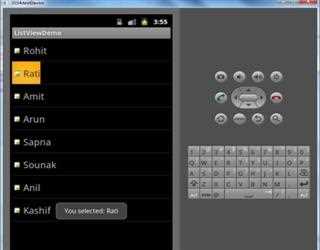
Using ListView in Android Application
Where The Android provides the view ListView which is capable of displaying a scrollable list of items. These ListView gets the data to display via
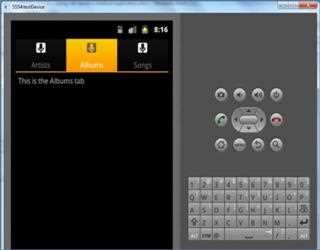
tab layout android application
To create a tabbed UI, you need to use a TabHost and a TabWidget. The TabHost must be the root node for the layout, which contains both the TabWidget
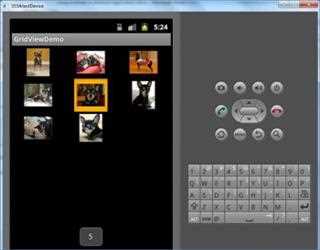
Using GridView in Android Application
GridView is a ViewGroup that displays items in a two dimensional, scrollable grid. The grid items are automatically inserted to the layout using a ListAdapter.
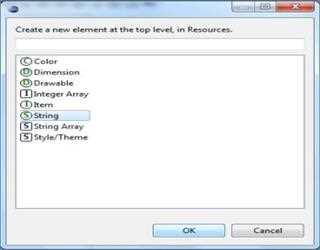
UI and Event Handling in Android
In this article I am going to explain how to create user interface and how to handle event with user interaction. Here I am going to create a simple a
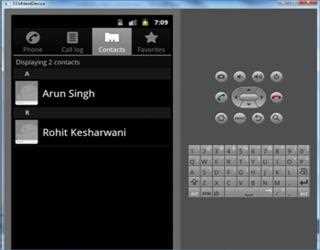
Content Provider in Android
ContentProvider are used to provide data from an application to another. ContentProvider do not store the data but provide the interface for other applications to access the data.
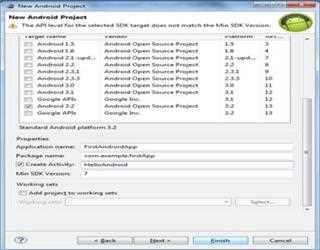
Create and Run an Android Application
In this article I am going to explain how to create and run an Android application in Android Emulator. In order to run an application we have to create an Android Virtual Device (AVD).