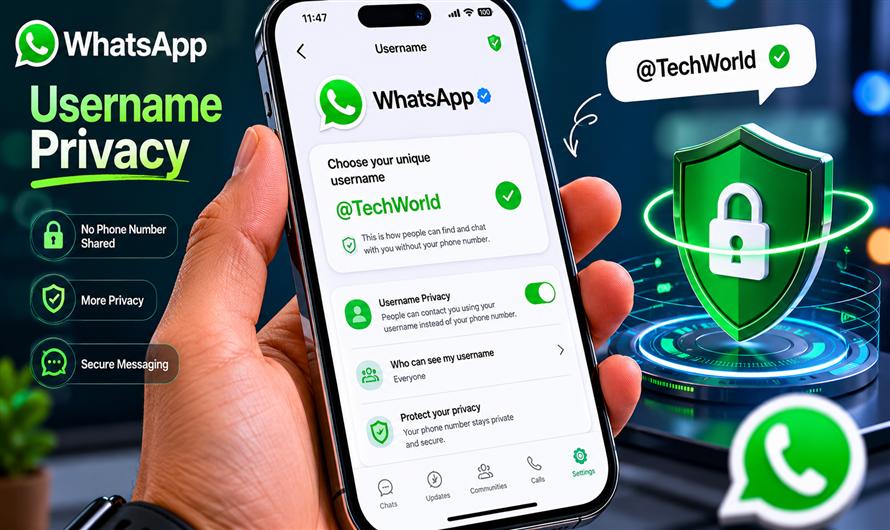
WhatsApp is working on a username feature that will allow users to connect without sharing their phone numbers directly — a major privacy improvement for messaging.
This feature is similar to how platforms like Telegram and Signal handle usernames.
Although the feature is still rolling out and may not yet be available to everyone, here’s how it is expected to work and how you can set it up once enabled.
Official WhatsApp site:
WhatsApp Official Website
Why WhatsApp Usernames Matter
Currently, anyone who wants to message you on WhatsApp usually needs your phone number.
That creates several privacy concerns:
- Your personal number gets exposed
- Spam messages become easier
- Unknown contacts can save your number
- Business or community interactions become less private
With usernames, you’ll be able to:
- Share a username instead of a phone number
- Chat more privately
- Control discoverability
- Reduce unwanted exposure
What Is the WhatsApp Username Feature?
The upcoming feature allows users to create a unique handle such as:
@johnsmithInstead of sharing:
+91-9876543210People can search and contact you using the username.
How to Set a Username on WhatsApp
Once the feature becomes available on your device, the setup process is expected to be:
Step 1 — Open WhatsApp Settings
- Open WhatsApp
- Tap your profile icon
- Go to Settings
Step 2 — Open Profile Section
Tap your profile name/photo.
You may see a new option called:
UsernameStep 3 — Create a Unique Username
Choose a username such as:
@aledevWhatsApp will likely validate:
- Availability
- Supported characters
- Length requirements
Step 4 — Save Username
- Once available and valid:
- Save the username
- It becomes searchable/shareable
Username Rules (Expected)
Based on current beta reports, usernames may:
- Require unique names
- Support letters and numbers
- Disallow special symbols
- Prevent impersonation
- Restrict very short names
Example valid usernames:
@techguru
@ale2026
@johnsmith
Will Your Phone Number Be Fully Hidden?
Most likely:
- Your number remains linked internally to your account
- Username becomes the public-facing identifier
- Depending on privacy settings, contacts may still see your number in some cases.
Additional Privacy Settings to Enable
Even with usernames, you should review privacy settings.
Go to:
Settings → PrivacyRecommended options:
| Setting | Recommended |
|---|---|
| Last Seen | My Contacts |
| Profile Photo | My Contacts |
| About | My Contacts |
| Groups | My Contacts |
| Calls from Unknown Numbers | Silence |
Use Two-Step Verification
For extra security:
Settings → Account → Two-step verificationThis helps protect your account from unauthorized access.
Benefits of Usernames
Better Privacy
Avoid sharing your personal number publicly.
Safer Online Communities
Useful for:
- Gaming groups
- Communities
- Freelancing
- Online marketplaces
Business Communication
Businesses can:
- Share usernames publicly
- Reduce direct number exposure
- Improve brand identity
Potential Limitations
The feature may initially:
- Roll out gradually
- Be limited in some regions
- Require latest app updates
- Work only for updated users
How to Check If You Have the Feature
Update WhatsApp from:
Then check:
Settings → Profilefor the username option.
Final Thoughts
WhatsApp usernames are a significant privacy upgrade that many users have wanted for years.
Once fully available, they will help users:
- Keep phone numbers private
- Reduce spam exposure
- Communicate more securely
- Interact online more comfortably
If privacy matters to you, enabling usernames and tightening your privacy settings is a smart move.

