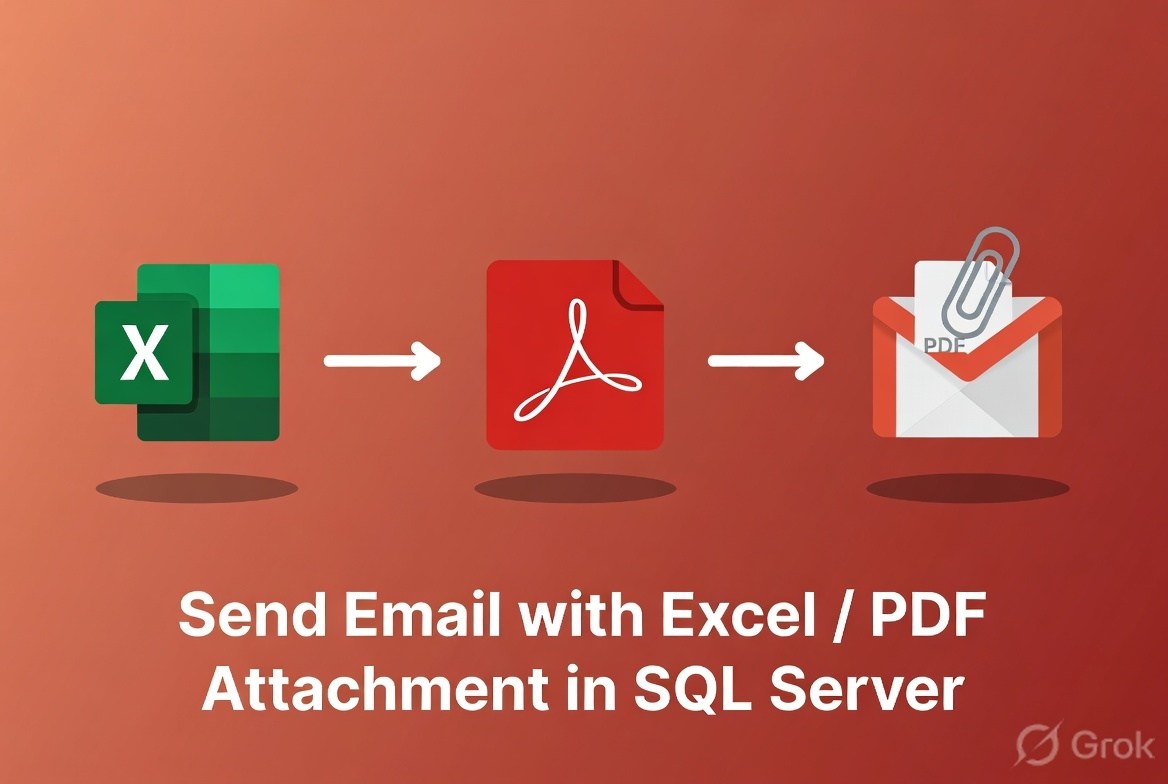
In SQL Server, you can send attachments using Database Mail via
sp_send_dbmail. You have two main approaches:
- Attach an existing file (Excel/PDF)
- Generate query result as Excel (CSV/XLS)
1. Attach Existing Excel / PDF File
If your file already exists on the server:
EXEC msdb.dbo.sp_send_dbmail
    @profile_name = 'MyMailProfile',
    @recipients = 'user@example.com',
    @subject = 'Report with Attachment',
    @body = 'Please find attached report.',
    @file_attachments = 'C:\Reports\DailyReport.xlsx;C:\Reports\Invoice.pdf';
Key Points:
- Separate multiple files with
; - SQL Server service account must have access to the file path
2. Send Query Result as Excel File
SQL Server doesn’t create true .xlsx, but you can send data as
CSV/XLS format (opens in Excel).
EXEC msdb.dbo.sp_send_dbmail
    @profile_name = 'MyMailProfile',
    @recipients = 'user@example.com',
    @subject = 'Excel Report',
    @query = 'SELECT * FROM Employees',
    @attach_query_result_as_file = 1,
    @query_attachment_filename = 'EmployeeReport.xls',
    @query_result_separator = ',',
    @query_result_no_padding = 1;
3. Send PDF (Generated via External Process)
SQL Server cannot directly generate PDFs. You must:
Generate PDF using:
- C# / ASP.NET
- SSRS (SQL Server Reporting Services)
- PowerShell
Then send it:
EXEC msdb.dbo.sp_send_dbmail
    @profile_name = 'MyMailProfile',
    @recipients = 'user@example.com',
    @subject = 'PDF Report',
    @body = 'Attached PDF report.',
    @file_attachments = 'C:\Reports\Report.pdf';
4. Example: Daily Report with Excel Attachment
EXEC msdb.dbo.sp_send_dbmail
    @profile_name = 'MyMailProfile',
    @recipients = 'admin@company.com',
    @subject = 'Daily Sales Report',
    @query = '
        SELECT
            CAST(TransactionDate AS DATE) AS Date,
            COUNT(*) AS TotalOrders,
            SUM(Amount) AS TotalSales
        FROM Transactions
        WHERE CAST(TransactionDate AS DATE) = CAST(GETDATE()-1 AS DATE)
        GROUP BY CAST(TransactionDate AS DATE)
    ',
    @attach_query_result_as_file = 1,
    @query_attachment_filename = 'DailySales.xls';
Common Issues
File Not Attached
- Check file path permissions
- Ensure SQL Server service account has access
Large File Error
Increase Database Mail size limit:
EXEC msdb.dbo.sysmail_configure_sp
    'MaxFileSize', '10000000'; -- size in bytes
Best Practices
- Store reports in a dedicated folder
- Use scheduled jobs (SQL Server Agent)
- Avoid very large attachments
- Use HTML email body for better formatting
Final Thoughts
SQL Server can easily send Excel and PDF attachments, but:
- Excel → can be generated directly (CSV/XLS)
- PDF → requires external generation


Leave a Comment