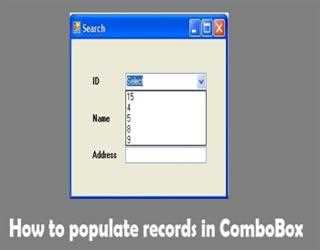
How to populate records in ComboBox
To populate ComboBox we have to add the values of DataRows to it
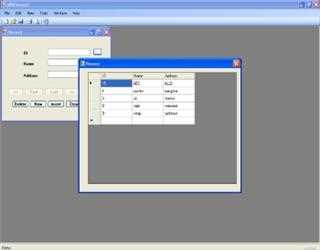
HOW TO PASS VALUE FROM ONE FORM TO ANOTHER FORM
To pass value from one form to another we have to add a property in the form from which we want to send data. To set property we have to write the following code. Let us say this is form2.
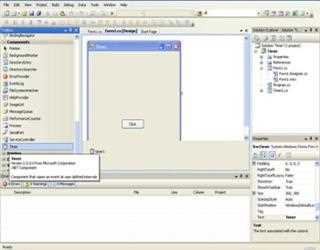
Timer in C Sharp
The Timer control allows you to set a time interval to peridically execute an event at a specified interval. It is useful when you want to execute certain applications after a certain interval.
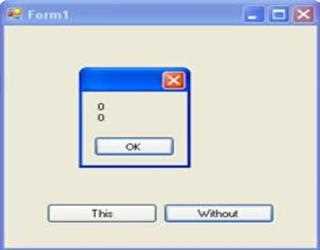
this keyword in CSharp .NET
The ‘this’ keyword refers to the current instance of the class. ‘this’ keyword is used when we want to track the instance, which is invoked to perform some calculation or further processing relating to that instance.
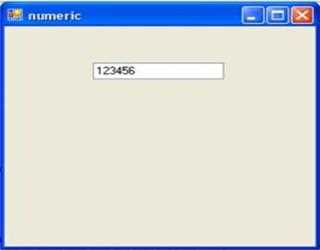
How to create Numeric Text Box in C sharp
/* Style Definitions */ table.MsoNormalTable {mso-style-name:"Table Normal"; mso-tstyle-rowband-size:0; mso-tstyle-colband-size:0; mso-st
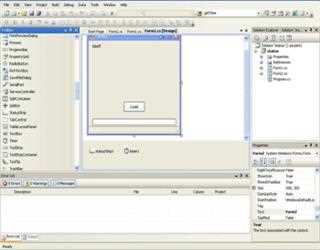
Using Progress Bar Status Bar Timer Control in CSharp .NET
/* Style Definitions */ table.MsoNormalTable {mso-style-name:"Table Normal"; mso-tstyle-rowband-size:0; mso-tstyle-colband-size:0; mso-st
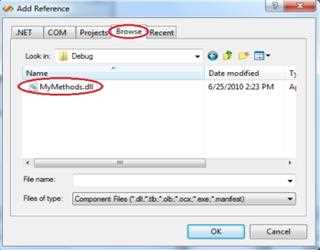
Creating and using dll libraries in C Sharp.Net
Creating Class library To create class library in C#, goto New Project in File Menu, a dialog box will appear, select Class Library icon in Visual C#
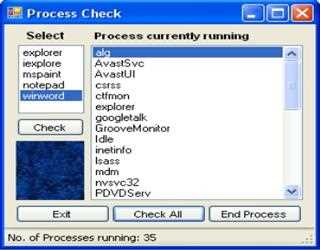
Check Running Process in CSharp .NET
/* Style Definitions */ table.MsoNormalTable {mso-style-name:"Table Normal"; mso-tstyle-rowband-size:0; mso-tstyle-colband-size:0; mso-st
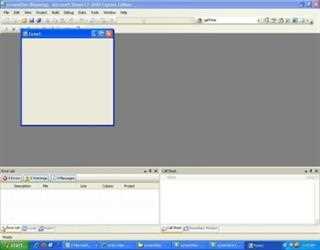
Capture Screenshots Program in CSharp .NET
/* Style Definitions */ table.MsoNormalTable {mso-style-name:"Table Normal"; mso-tstyle-rowband-size:0; mso-tstyle-colband-size:0; mso-st
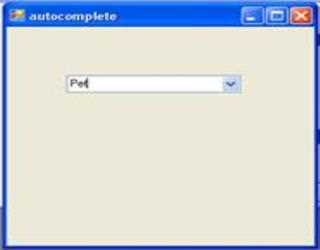
Auto complete text in Combo Box
Here we are going to create AutoComplete ComboBox and we are showing you how to create it. First of all what is AutoComplete, suppose ComboBox contains more than 200 records and user will have to scroll down or he should write full name but if ComboB
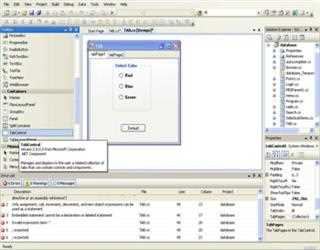
Tab Control in CSharp .NET
When we want to have more than one page on a single form then we use Tab Control. Here I have used Tab Control with two pages, tabPage1 and tabPage2. TabPage1 contains Radio Buttons while tabPage2 contains TreeView.
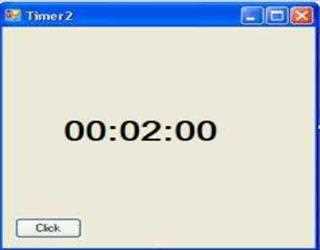
Creating Timer at Runtime in C Sharp .NET
Here I’m going to create timer at runtime. I’ll set timer’s interval to 5seconds=5000miliseconds. And after 5sec back color of form will be changed to blue.