Technology
Web App Development
Mobile App Development
Windows App Development
Database Development
UI/UX Development
Cloud Development
SEO
Digital Marketing
Guest Posting
Content Writing
Artificial Intelligence
Data Science
ERP Development
CRM Development
CMS Development
LMS Development
Business Listing
Blockchain Technology
Startup Promotion
AI Tools Integration
PHP Installation on Windows
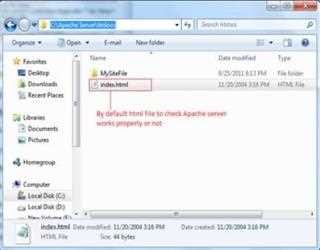
Installing PHP on Windows 7 is quite simple. Before installing PHP into your computer you need to have web server running in your computer. Here I preferred to use ‘Apache’ web server for this demonstration.
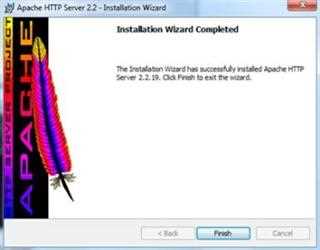
Apache Server Installation on Windows
This article will describe step by step instruction on how to install ‘Apache Web Server’ in windows 7(64 –bit) operating system. You can download ‘Apache’ web server from here.
Introduction of PHP
PHP stands for ‘Hypertext Preprocessor’, which is widely used for making dynamic and interactive web pages. PHP is server side scripting language intended to help web developers build dynamic web pages.