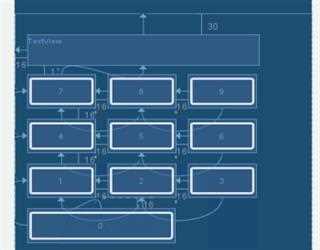
Android Layout and its Type
A layout defines the structure for a user interface (UI) in your android app, and it also manage all the component in your app.
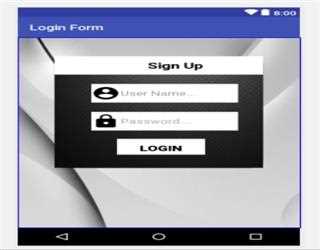
Styles Login form in Android
Getting started first we will discuss how to create login form in our Android App. This is required for any android app, where the user is login to his/her account.

SuiteCRM / Sugar CRM Mobile App is Necessary For Your Business
Understand the various use cases for suitecrm mobile app and SugarCRM mobile for your business. With the technological trends,
Android searchView
It is a default control provided by the Android for developers. It is a part of widget which provides users to send requested query to the server side and get the required result
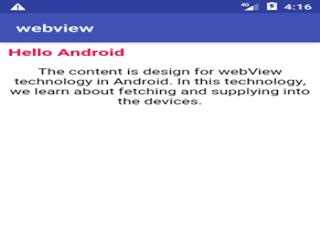
Android WebView Control
webView control is used to display the content of the web browser which has .htm or .html extension file. WebView can also be used by declaring html tags in string datatype.
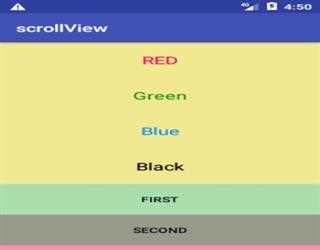
Android ScrollView Control
Scrollview is used to define the content on the screen. It provides the platform in which content is adjustable according to the content display in a view.
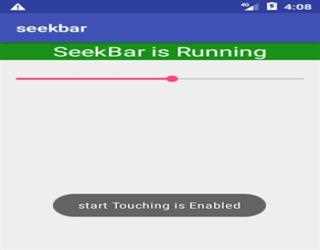
SeekBar in Android
Android provides SeekBar control which is similar to progress bar except it has to drag and drop functionality by which user can adjust the functionality of the control. It is a part of widget category.
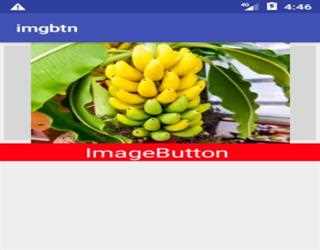
ImageButton in Android
ImageButton is used to get a response from user onClick event. OnClick event is called through setOnclickListener and followed by OnClickListener with button.
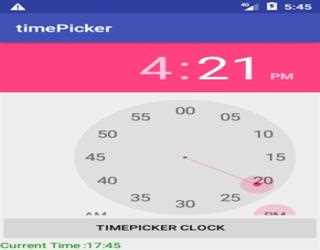
TimePicker in Andriod
1. Time Picker is a control which provides user to pick the time from the analog clock to pick the time. 2. It allows to pick hours first and then minutes
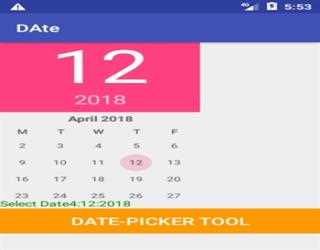
DatePicker in Android
1. Date Picker is a control which provides user flexibility to pick the date. 2. It has a month, day and year picking user interface format calendar.
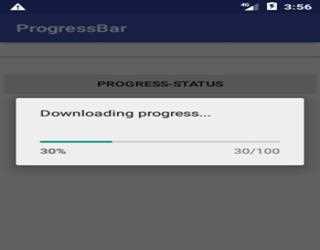
Android Progress Bar
ProgressBar is a dialog box which gives the current status of Activity on Android such as downloading and uploading of files.
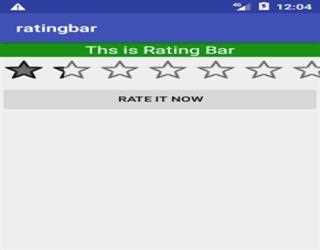
Android Rating bar
Rating bar is a control which provides a user interface to give feedback about the application. It always returns value in floating point