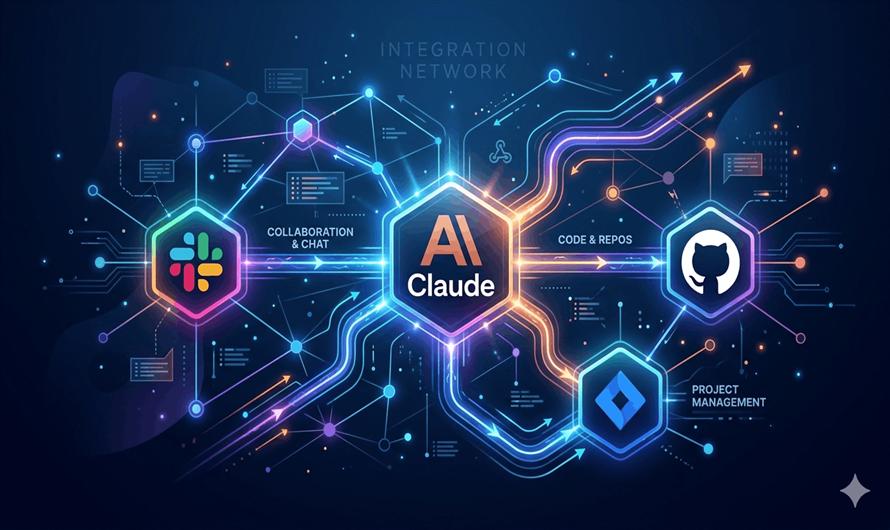
Claude is already a powerful AI assistant — but its default experience keeps it inside a conversation window, cut off from your files, calendar, code repositories, and work tools. Claude Connectors fix that. They let Claude reach directly into the software your team already relies on, so you can ask Claude to create a Jira ticket, search your Google Drive, or send a Slack message — and it actually does it.
Connectors, explained simply
A Connector is a bridge between Claude and an external service, built on the Model Context Protocol (MCP) — an open standard Anthropic introduced in November 2024. Instead of a one-off, custom-built integration for each app, MCP provides a single universal protocol that any service can implement once to make itself available to Claude (and other AI systems).
Once a connector is active in your conversation, Claude brings it in on its own when the request fits — you don't have to name it every time. Ask "what's blocking the release?" with Jira connected, and Claude knows to check your issue tracker.
Connectors work across every Claude surface: claude.ai, Claude Desktop, Claude Code, Cowork, and the API.
Notable connectors in the directory
Anthropic maintains a Connectors Directory with verified integrations. Here's a snapshot of the most widely used categories:
Slack
Send messages, search channels, and draft posts
Google Drive
Search and retrieve docs, sheets, and slidesGitHub
Open issues, review PRs, browse reposLinear / Jira
Create and triage tickets from chatSupabase
Query your database in plain EnglishFigma
Read design files and inspect componentsAsana
Create tasks and update project statusAbleton / Blender
Claude for creative software workflowsGetting started in four steps
- OpenSettings → Connectors in Claude (claude.ai or Claude Desktop).
- Browse the Connectors Directory and pick a service, or click"Add custom connector"to enter your own MCP server URL.
- Authenticate with OAuth — Claude never sees your password. You can revoke permissions at any time.
- Enable the connector per conversation via the "+" menu at the bottom of your chat. That's it.
Enterprise teams: since June 2026, IT admins can provision connectors for the whole org via Okta (enterprise-managed auth). Employees inherit access on first login — no per-user OAuth prompts needed.
Custom connectors
Build your own
Any service that supports MCP can become a connector. Your MCP server just needs to be reachable over the public internet from Anthropic's cloud infrastructure — local or firewall-protected servers need an IP allowlist. You can add an OAuth client ID and secret for authenticated endpoints, and configure which tools Claude may use (allowlist, denylist, or all tools enabled by default).
The community has already built thousands of open-source MCP servers. SDKs are available for all major programming languages, and the protocol has become the de-facto standard for connecting AI agents to external data.
What to know before connecting
All data transfers are encrypted. Claude can only sync content you already have permission to view in the original service. That said, a few habits worth keeping:
- Review the permissions each connector requests and deny anything that seems excessive.
- Only connect to MCP servers from organizations you trust — custom connectors are not verified by Anthropic.
- Watch for unexpected tool behavior; server developers can update tool logic without notice.
- Report suspicious MCP servers to Anthropic's vulnerability disclosure program.
Claude Connectors turn Claude from a general-purpose chat assistant into something that can act on your real work — your tickets, your files, your codebase, your calendar. The connector ecosystem is growing fast, and building one for a custom internal service is within reach for any developer with a public endpoint.


Leave a Comment