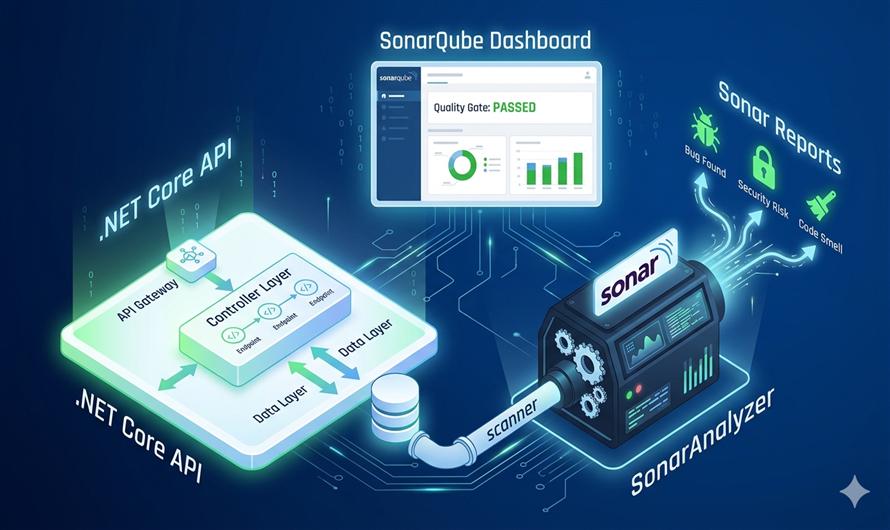
Implementing a Sonar Code Analyzer in your .NET Core API project is one of the most effective ways to maintain high-quality, secure code. Unlike standard linters, Sonar scanners perform deep static analysis during the build process to identify elusive bugs, security vulnerabilities, and "code smells".
Why Integrate Sonar in Your .NET API?
- Early Bug Detection: Catch potential logic errors before they reach production.
- Security Hotspots: Identify vulnerable patterns, such as insecure data handling.
- Maintainability: Track technical debt and ensure your team follows consistent coding standards.
- Automated Metrics: Get clear visibility into code coverage and duplication.
Step-by-Step Implementation Guide
To implement the analyzer, you will use the
SonarScanner for .NET, which is the recommended way to launch analysis for projects built withdotnet or MSBuild.
1. Prerequisites
Ensure you have the following installed on your machine or CI server:
- Java Runtime (JRE/JDK): Required to run the scanner.
- SonarQube Server: A local instance (running on http://localhost:9000) or SonarCloud account.
- .NET SDK: Compatible with your current project.
2. Install the SonarScanner Global Tool
The easiest way to run the scanner is by installing it as a global .NET tool. Open your terminal and run:
dotnet tool install --global dotnet-sonarscanner3. Configure Your Project in SonarQube
- Log in to your SonarQube dashboard.
- Go to Projects > Add Project > Manual.
- Enter a unique Project Key and Display Name.
- Generate an Authentication Token; you will need this for the analysis command.
4. Execute the Analysis
The analysis process follows a strict "Begin-Build-End" sequence. Navigate to your project's root directory and run the following commands:
Step A: The "Begin" Step
This prepares the environment and hooks into the .NET build process.
dotnet sonarscanner begin /k:"YOUR_PROJECT_KEY" /d:sonar.host.url="http://localhost:9000" /d:sonar.login="YOUR_TOKEN"Step B: The "Build" Step
Standard .NET build. The scanner automatically analyzes the code as it compiles.
dotnet buildStep C: The "End" Step
This finalises the analysis and uploads the results to the SonarQube server.
dotnet sonarscanner end /d:sonar.login="YOUR_TOKEN"Automating with CI/CD (GitHub Actions)
For professional teams, manual scans aren't enough. You can automate this process in your GitHub Actions workflow:
- Add your
SONAR_TOKENto GitHub Secrets. - Use the
actions/setup-javaaction to ensure Java is available. - Run the scanner commands within your
.ymlworkflow file to ensure every Pull Request is analyzed before merging.
Want to track your test results too? You can integrate test coverage tools like Coverlet to see exactly how much of your API logic is tested.
Would you like a sample GitHub Actions YAML file for a complete automated pipeline?


Leave a Comment