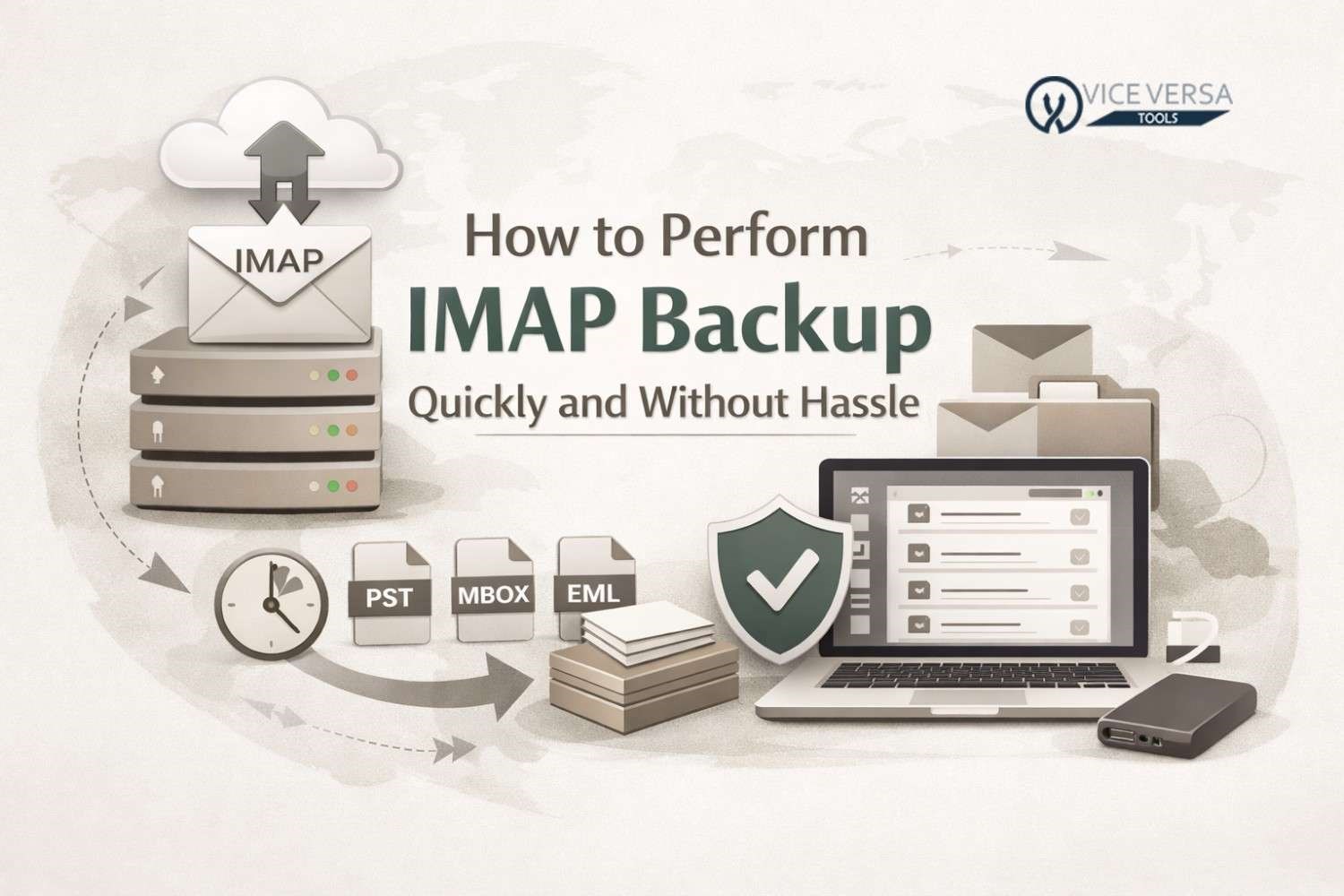
Introduction
Email is the most vital means of communication in the daily lives of both individuals and businesses. Important conversations, invoices, legal notices, and personal messages are usually stored in email accounts. Losing such data becomes catastrophic upon accidental deletion, hacking, server failure, or issues related to your account. Therefore, it becomes important that you ensure a proper backup of your IMAP emails from the client server. In this blog, we share what IMAP is, its importance in email backup, instructions to back up IMAP emails manually, and how you can do IMAP Backup in an instant using a specialized utility.
Download Now
What Is IMAP?
IMAP stands for Internet Message Access Protocol. It is a widely used email protocol allowing users to access into their emails from the mail server. Unlike POP3, IMAP does not permanently download emails to your device. Instead, it holds emails on the server Thus, when you read, delete, or move an email message on one device, the same email reads, deletes, or moves on all devices. While this is relatively convenient, it also means you might lose data forever if someone deletes those emails from a server, or your account becomes inaccessible. Hence, backing up IMAP emails is that much more important.
Why Is Backing Up IMAP Important?
By backing up an IMAP account, you can keep an extra copy of your emails saved on a local system or any other secure location. Some of the important reasons for backing up IMAP emails include:
- Protection against accidental deletion
- Protection from hacking or malware attack
- Backup prior to a change in email providers
- Quick retrieval of emails in case of server failure
- Long-term storage of important emails
Beyond that, retrieving lost IMAP emails can be nearly impossible without a backup.
Manual Method to Backup IMAP Emails
One common method for manually backing up IMAP emails is to use an email client such as Microsoft Outlook or Mozilla Thunderbird.
Manual Backup with Outlook:
- Start Microsoft Outlook.
- Set up your IMAP email account.
- Allow all folders and emails to synchronize completely.
- Under File, select Open & Export and then Import/Export.
- Choose Export to a file and select PST format.
- Select the IMAP account folders, and save the file.
Difficulties
- Time-consuming for large mailboxes
- Requires some technical know-how
- Risking an incomplete backup
- No advanced filtering options
- Not adequate for bulk or multiple accounts
These limitations are some of the factors that have caused many users to favor a dedicated backup solution.
Quick And Hassle-Free Solution
If you want to back up IMAP emails quickly, easily, and reliably, the ViceVersa IMAP Backup and Restore Tool is an excellent option. This program is designed for both technical and non-technical users and simplifies the backup procedure.
Functions of the Tool
- Backup IMAP emails to multiple formats like PST, MBOX, EML, and others
- Compatible with all IMAP-supported email services
- Preserves original folder structure
- Allows selective backup based on date ranges and folder filters
- Intuitive and easy-to-use interface
- Backup process is safe and secure
How It Works?
- Install and run the Tool

- Enter credentials for the IMAP account
- Choose the folders you want to back up
- Choose the required output format
- Choose the extract only attachments option to save just attachments.
- Now choose the desired location.
- Press Backup, to start the process.
With the tool, backing up your IMAP can be accomplished in just a few clicks and is devoid of technical hassle.
Conclusion
Backing up IMAP emails from time to time is crucial to shielding your data against possible loss or corruption. The manual method might still hold ground for small mailboxes, but it is not very reliable or efficient. A fast, secure, hassle-free approach involves investing in the Backup Tool and is highly recommended.
It saves a vast amount of time, limits risks, and confirms that you are getting secure and correct backups you can access at any time.
Frequently Asked Questions (FAQ)
Q1. Can I back up IMAP emails free of charge?
Yes. You can back up IMAP emails using manual methods or email clients, but these come with limitations and disadvantages.
Q2. Are backup tools secure?
Yes. Trusted tools use secured authentication and do not store your data.
Q3. Are emails back up recoverable?
Yes. The backed-up files are recoverable or can be imported into supported email clients.
Q4. Are attachments included during backup?
Yes. Both manual and professional tools back up emails along with attachments.
Q5. Which method is best for large mailboxes?
For large or bulk IMAP accounts, dedicated software is the recommended course of action.


Leave a Comment