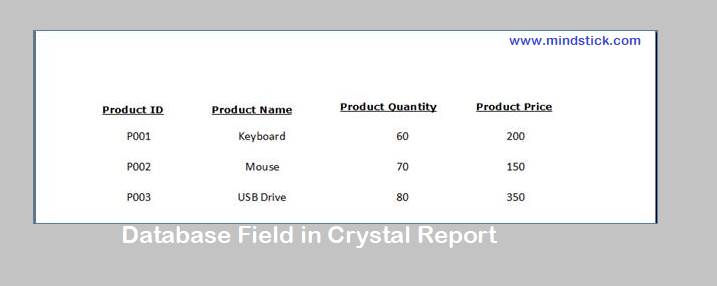
Here I am explaining how to add database object fields in
Crystal Reportà

Select the database object from the selected database and add it to selected table list. Then Click Ok or Finish to close the window.
After selecting the database, drag the fields from the object of the Database Fields which is present in the Field Explorer and drop it into the details section of the Crystal Report file.
You can see the output in the Main Report preview.


Leave a Comment